On this page
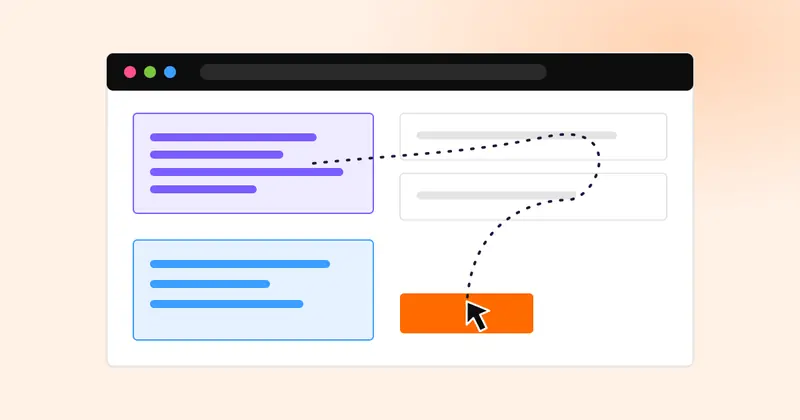
An in-browser AI agent is software that reads web pages and acts on them the way a person would: it clicks, types into forms and moves between tabs to finish a task. For a store, the useful jobs are the repetitive ones on websites that have no proper connection to your systems, such as supplier portals, carrier claim forms and marketplace back offices.
What a browser agent is, and what it is not
Most automation talks to systems directly. When your store, your CRM and your payment provider share data, a workflow moves it in seconds and leaves a clean record. A browser agent is the fallback for everything else: the portal that only has a login page, the form that has to be filled in field by field, the report you can only download by clicking through three screens.
It is not a chatbot on your site. AI agents that answer customers on chat, text and phone are a separate tool, covered in our help article on how AI agents answer and qualify inquiries. A browser agent works on other people's websites on your behalf.
Store operations tasks that suit one
The best tasks share three traits: they repeat, they follow the same steps each time, and a mistake is cheap to catch.
| Task | Fit | Why |
|---|---|---|
| Pulling weekly reports from a supplier portal with no export | Good | Read-only, same steps every week |
| Filing a carrier damage claim with photos and an order number | Good with review | Form filling, a person approves before submit |
| Checking a marketplace listing matches your catalog | Good | Read and compare, flag differences |
| Changing prices or stock on a marketplace | Person approves | A wrong value costs money in minutes |
| Issuing refunds | Person decides | Money leaves the business |
| Replying to customers | Use your inbox tools | Customer messages belong in one recorded thread |
If a task has a proper integration, use it. A workflow that routes each online order is faster and easier to audit than an agent clicking through a store admin.
The security risk to plan for first
An agent that reads web pages will also read whatever those pages contain. NIST's taxonomy of attacks on AI systems describes indirect prompt injection: instructions hidden in content the AI processes, written to make it act against its user. A supplier portal you trust today could carry a malicious comment tomorrow.
Plan for it the way you would for a new hire with a company card:
- Give the agent its own account with the least access the task needs, never an owner login.
- Never let it hold payment details or approve spending.
- Log every action, with screenshots of the pages it changed.
- Require a person to approve any step that cannot be undone.
How to pilot one in four weeks
- Week 1, pick one task: read-only, repeated weekly, with a person who does it today and can judge the output.
- Week 2, run it alongside the person: the agent does the task, the person does it too, and you compare results.
- Week 3, let it run with review: the agent prepares, the person approves each result before anything is used.
- Week 4, decide: keep it, extend it to a second task, or stop. Write down the minutes saved and the errors caught.
An operations coordinator at a 25-person store downloads stock reports from four supplier portals every Monday and pastes them into one sheet. It takes about 2 hours a week, roughly 8 hours a month. At €40 an hour that is €320 a month of copying. If an agent pulls the reports and the coordinator spends 20 minutes checking them, the monthly time falls to under 1.5 hours. These are illustrative figures; measure your own task before you decide.
What this means for your team
Browser agents are worth a pilot when your team spends hours a week clicking through websites that will never connect to your systems. They are not a replacement for clean integrations, and they are not safe to run unsupervised on anything that spends money or speaks to customers.
The order matters: connect what can be connected, automate the routine path, and only then point an agent at the leftovers. That is how our AI implementation service approaches it, starting from the tasks that cost your team the most time. The conversational AI page covers the customer-facing side, where AI answers, qualifies and books on chat and text.
Sources
- NIST AI 100-2 E2025: Adversarial Machine Learning, A Taxonomy and Terminology of Attacks and Mitigations, March 2025 (prompt injection and the security of agents)
- NIST: AI Risk Management Framework
Each source was checked on November 3, 2026.